Help
Answers to common questions, and how to get in touch.
Getting started
What do I need to use Updraft?
An iPhone running iOS 26 or later. Updraft works from the data in Apple Health, so you'll also want your workouts recorded there, along with sleep and heart rate data if you have them.
Which devices and apps work with Updraft?
Anything that saves workouts to Apple Health: Apple Watch, bike computers, smart trainer apps, and most fitness apps. If you use Intervals.icu, Updraft can import your workouts into Apple Health automatically, free for everyone.
Do I need an Apple Watch?
No. Updraft works with workouts from any app or device that saves to Apple Health. Readiness is at its best with an Apple Watch worn overnight, which records your sleep and heart rate variability.
Do I need an account?
No. There's no sign-up. Updraft reads your data from Apple Health and keeps it on your iPhone.
How are the scores calculated?
Every view in Updraft has its own info page explaining what it shows and how it's calculated. Open the view you're curious about to find it.
Syncing
Why isn't a workout showing up?
Updraft can only see workouts that are in Apple Health. First, check that the app or device that recorded it saves to Apple Health: open the Health app and look under Browse > Activity > Workouts. Then check that Updraft can read it: in the Health app, tap your profile, go to Apps, choose Updraft, and turn on the data types it asks for.
Why are my numbers different from other apps?
Garmin, Strava, TrainingPeaks, and others each use their own models and thresholds, so the same workout can score differently. Updraft measures you against your own baselines, so its numbers are most useful compared with each other over time rather than with another app's.
Purchases
What's free, and what needs Pro?
Your daily Readiness score, Form, workout sharing, weekly streak, Intervals.icu import, and every workout's heart rate and power breakdown, charts, map, and elevation are free, forever. Updraft Pro unlocks long-term history, Fitness and power analytics, advanced workout metrics like decoupling and efficiency, training goals, the full records archive, and home-screen widgets.
How much does Updraft cost?
Updraft is a free download. Updraft Pro is $4.99 a month, $34.99 a year, or $99.99 once for lifetime access. These are US prices; the App Store shows the price in your currency. Purchases go through Apple's In-App Purchase system.
Is there a free trial?
Yes. The monthly and yearly plans start with a free one-week trial. If you cancel at least 24 hours before it ends, you won't be charged.
How do I cancel my subscription?
You can cancel at any time by going to Settings > [your name] > Subscriptions on your iPhone, selecting Updraft, and tapping Cancel Subscription. If you cancel, you'll keep access to Pro features until the end of the current billing period.
How do I get a refund?
Refunds are handled by Apple. Visit reportaproblem.apple.com, sign in with your Apple ID, and follow the instructions to request a refund.
How do I restore my purchases?
If you've already purchased a subscription or lifetime access, you can restore it by opening Updraft and tapping Restore Purchases on the subscription screen. This will re-activate any prior purchases linked to your Apple ID at no additional cost.
Does Updraft Pro work with Family Sharing?
Not yet. For now, Updraft Pro applies only to the Apple ID that bought it.
Your data
Where is my data stored?
Your workouts and health data stay in Apple Health. Updraft reads them there and never uploads them. See the Privacy Policy for details.
What happens when I get a new iPhone?
Your history comes with you through Apple Health. With Health turned on in your iCloud settings, your workouts and health data sync to the new iPhone, and Updraft picks up from there. Your goals sync through iCloud as well. Other settings, like your FTP and heart-rate zones, come over when you set up the new iPhone from an iCloud backup or with Quick Start; on a fresh setup, enter them again in Updraft.
How do I delete my data?
Deleting Updraft removes the data it keeps on your iPhone. Your workouts and health data belong to Apple Health, so they stay there; you can manage or delete them in the Health app. To change what Updraft can read, open the Health app, tap your profile, and go to Apps.
Still need help?
Send questions, bug reports, or ideas by email. In the app, Send Feedback in Settings adds your device and app details for you.
support@updraft.cc
 Updraft
Deeper than a tracker.Clearer than a coaching platform.
For serious amateurs: real training decisions, at a glance.
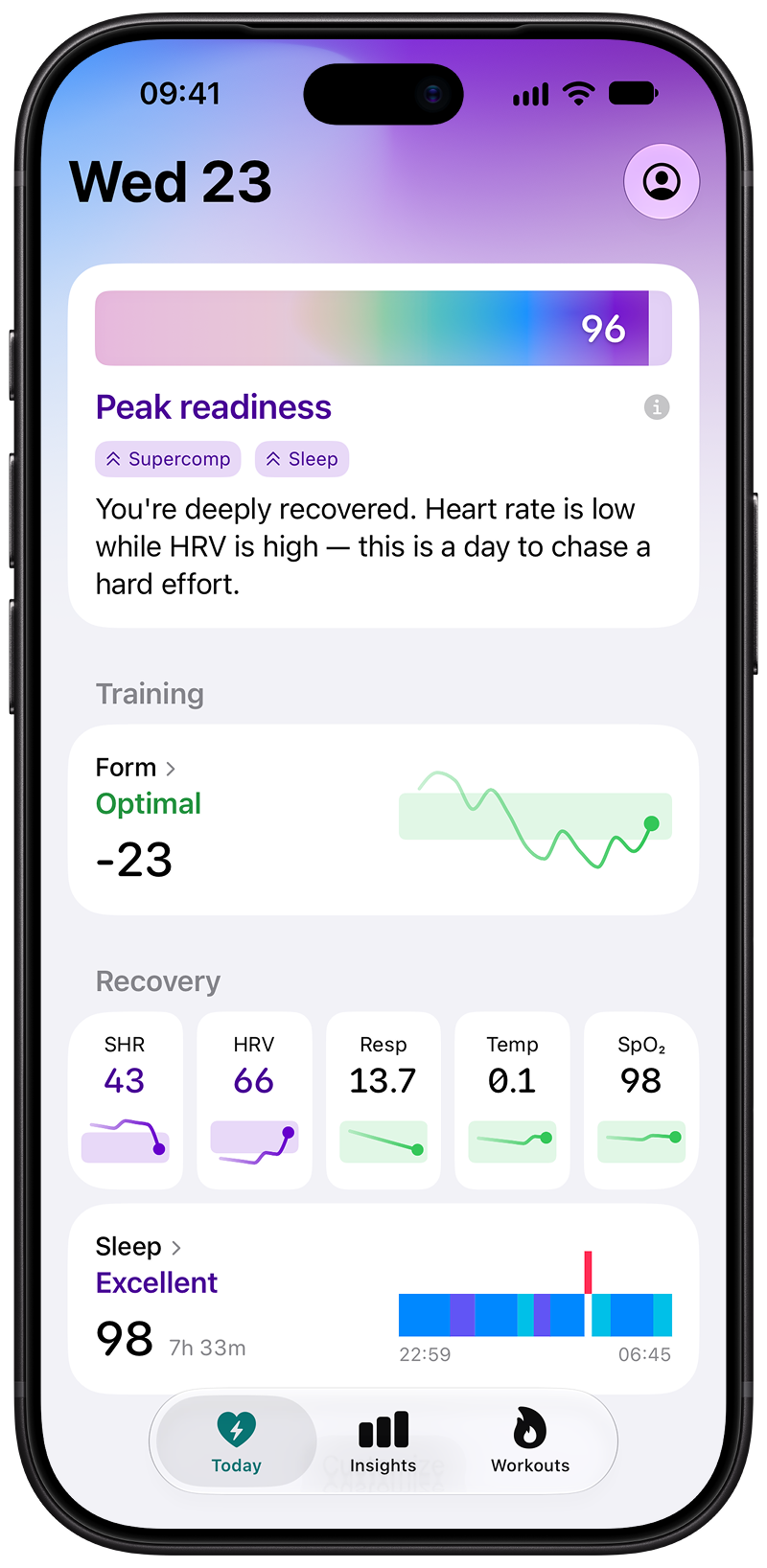
- Readiness. How ready you are each morning.
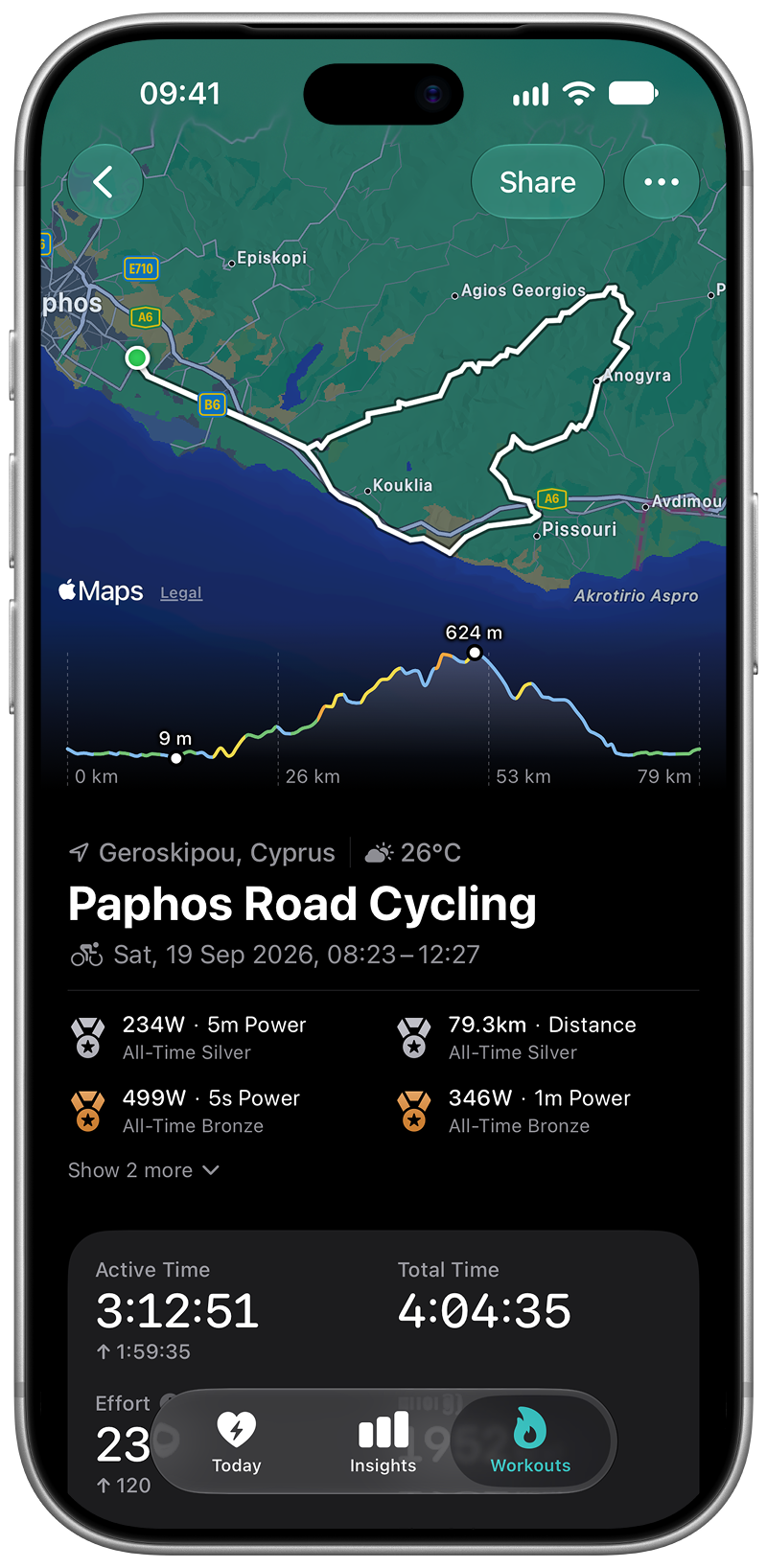
- Workouts. What each ride and run trained, and the load it added.
- Fitness and Form. Whether your training is building, and when you're fresh.
- Cycling. In-depth power analysis: Power Profile, Critical Power, and rider type.